Pine Meadows Homeowners’ Association has always been committed to making the lives of residents in Pine Meadows better, easier, and more connected, and following that commitment, we sought to improve the experience on our website. You’re now using the new Pine Meadows web experience!
We hope that this article addresses many of the questions that you may have about our new website. We also encourage you to contact us by clicking here with any questions that you may have.
What has changed?
The PMHA Website Team partnered with the web developer Luna Parker to redesign and recreate our website.
First and foremost, you may notice that the visual styles of the site have changed significantly. Instead of having two rows of options at the top of each page, there is now only one. Many pages have had content moved or changed. We have also removed some pages which were not in use in order to make navigating the site easier.
The Residents page has received a major overhaul, with pictures of each residents now appearing in the list, as well as the ability to search for a resident by their address and name.
The Pine Line and Events pages are sporting a new visual style, displaying their content in a reverse chronological order, allowing you to easily view the back issues and previous updates we’ve made.
The website no longer uses one shared password to access private content, and instead logging in will automatically grant you access to the entire site.
The code which powers our new website is far simpler to manage, which means it will be simpler for us in the future to post updates and new content.
How do I use the new site?
Good question! Take a look at the following tips for different sections of the site:
New search: Answers are a few key presses away
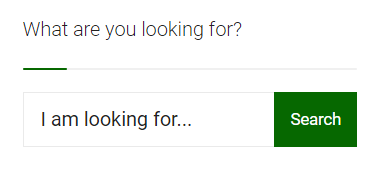
On the right hand side of most pages, there is a search bar which asks “What are you looking for?” Provide a few words, like “pine line”, or “minutes”, and press the green ‘Search’ button. You’ll then find precisely what you’re looking for, as our Search searches our entire site!
Here’s an example of the search box (please note you can’t search in the one below, use the one on the side instead!):
Hello, neighbour! A new resident list is here
We’ve redesigned our Residents list to be both more visually approachable, and more insightful, helping you find the information you need right away.
At the top, there’s search boxes, allowing you to find a resident by first name, last name and even their address! Provide as much or as little info as you’d like, and hit Search; our Resident List will find up-to-date contact information for the person in question.
Below, you’ll see the resident’s general profile, providing their email addresses, phone number, and address, along with a helpfully identifiable picture.
Visit our new Residents List by hovering over ‘Contact’ in the top menu, and then clicking on ‘Residents’.
Surfacing the latest, while preserving the past: Our new Pine Line Page
The Pine Line has its own dedicated page, which can be gotten to from the top menu, by clicking on ‘Pine Line’.
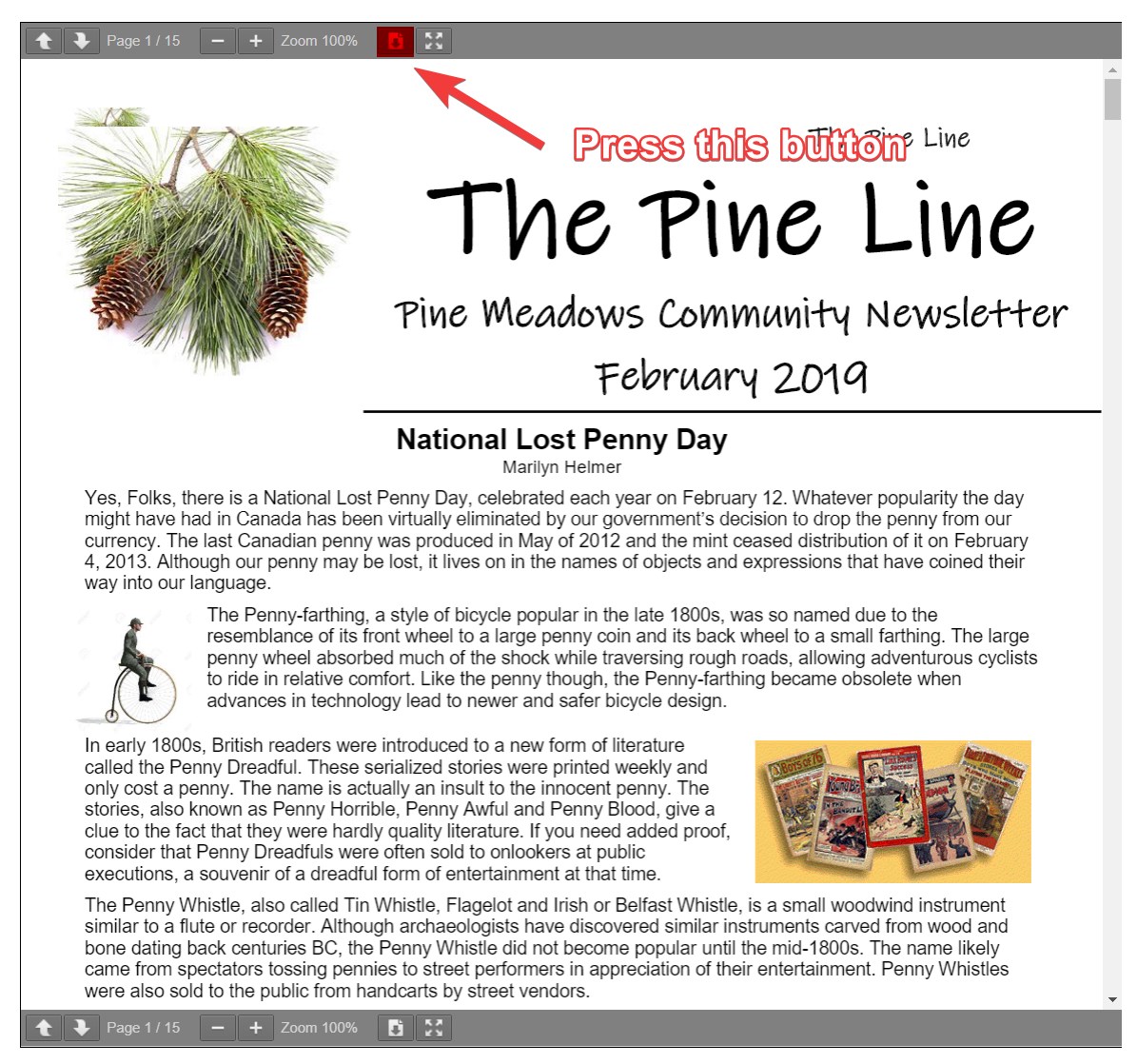
On this page, you will see the latest Pine Line issue, which can be made full screen or downloaded by clicking the buttons in the toolbar, as described below.
Looking for a previous article? Either search for it using the side searchbar, or, to go back in history, use these buttons at the bottom of the page:
The black ‘1’ shows the page that you are currently on, while 2, 3 and so on show the issues that have come before the current one. The green ‘>>’ button sends you all the way back to our oldest article on the site.
Digital, turned physical: Printing Documents
Our newsletter and live station are now using an updated PDF viewer, which is the tool which allows you to view newsletters and pages on our site.
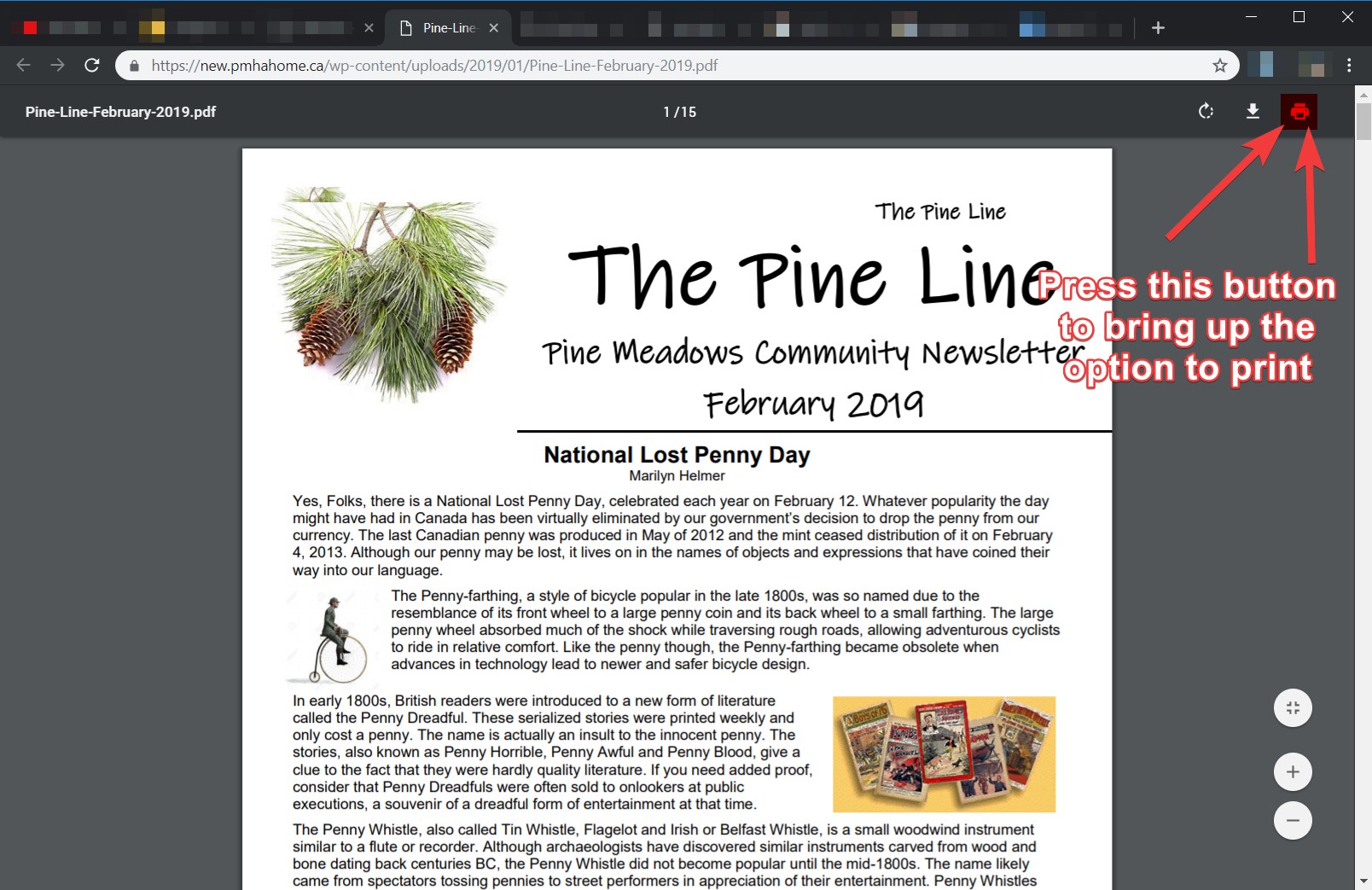
If you’re looking to print a newsletter or paper, in the grey bar that is at the top of the newsletter, press the icon to open the PDF.
Then, press the icon to bring up your printing options.
Get the big picture: Viewing Documents in Full Screen
You can also view any newsletters or documents as a full window on the website. To activate full screen mode, press the button.
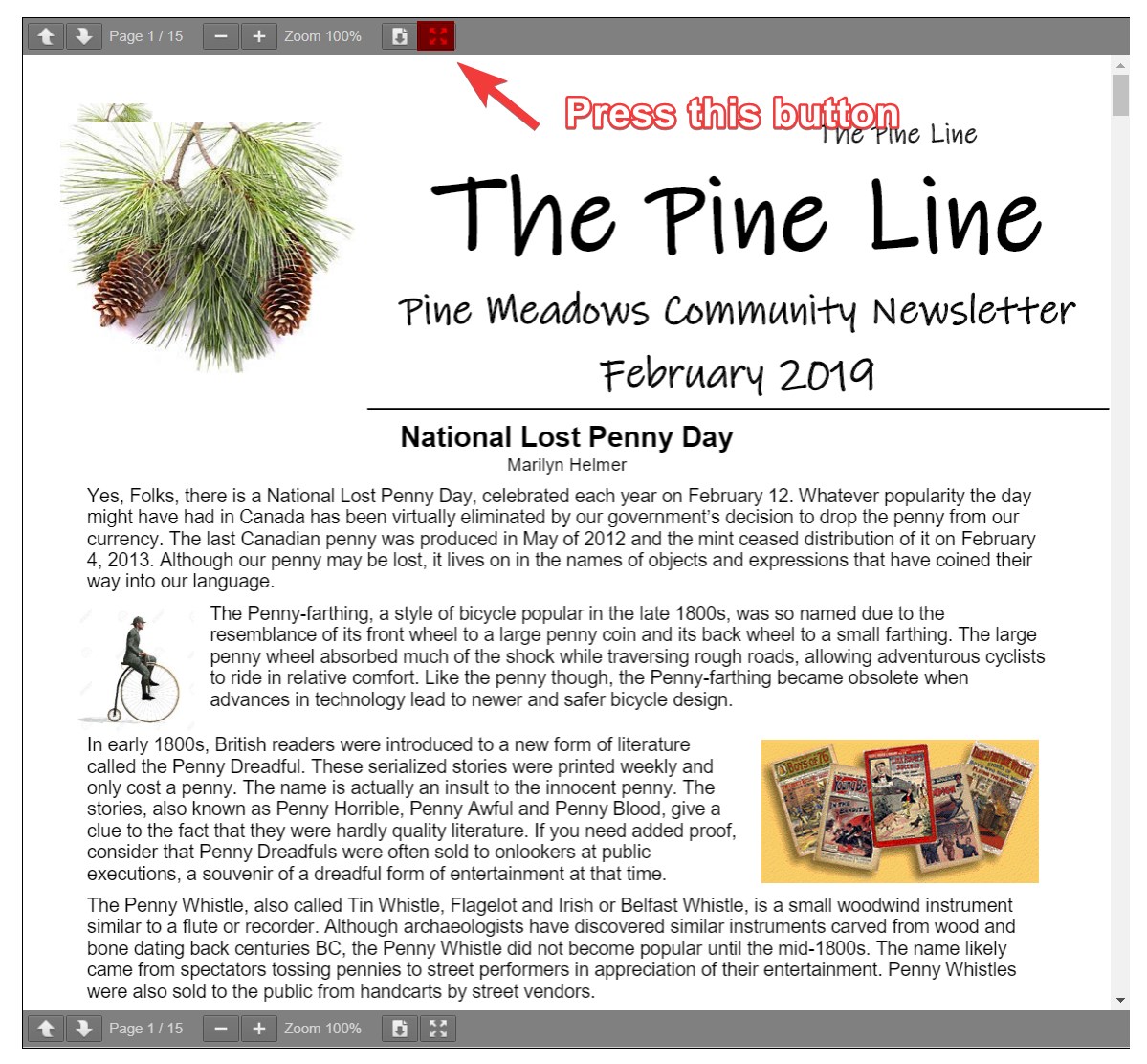
To exit full screen, press the button again.
Can I still use the old version?
Yes, and no. The old website has been retired in favour of our new one – we hope that you find it a nice upgrade with all the features and content you need.
However, we understand that, in our upgrade, we may be missing some things, that are only accessible from the old site. Our old site is still accessible to PMHA administrators, so if you contact us, we can either get the information you need, or provide you access to the old site so that you can see it yourself.
In either case, please reach out to us below if you need to access the old site for a particular reason.
Is something missing?
We did our very best to bring an easy to use and feature-filled website to you. If we missed something from the old version, or if you have an idea for a new feature, reach out to us by clicking here. We want to hear from you.